
Remove the Website and Author Link from the WordPress Post Comment Form
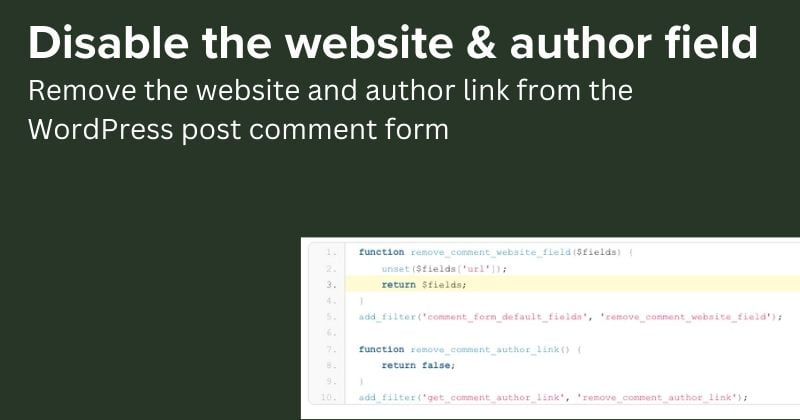
By default, WordPress comment forms include a Website URL field where users can enter their site link. Additionally, the comment author’s name is rendered as a hyperlink to their website. If you want a cleaner comment form without these links, you can remove them using two simple functions in your theme’s functions.php.
Why Remove the Website Field and Author Link?
Some site owners prefer to reduce spam and keep discussions focused on content rather than link building. Removing the URL field discourages commenters from dropping self-promotional links, which can improve the overall quality of your comments section.
Step 1: Remove the Website URL Field
Add this code to your theme’s functions.php file (or a site-specific plugin) to remove the website field from the comment form:
function remove_comment_website_field( $fields ) {
    unset( $fields['url'] );
    return $fields;
}

add_filter( 'comment_form_default_fields', 'remove_comment_website_field' );
This hook runs before the comment form is rendered and simply unsets the url field from the default fields array.
Step 2: Remove the Author Link
Next, remove the hyperlink from the comment author’s name using the get_comment_author_link filter:
function remove_comment_author_link() {
    return false;
}

add_filter( 'get_comment_author_link', 'remove_comment_author_link' );
Returning false causes WordPress to display the author name as plain text instead of a clickable link.
Full Combined Code
You can combine both snippets:
// Remove website field from comment form
function remove_comment_website_field( $fields ) {
    unset( $fields['url'] );
    return $fields;
}

add_filter( 'comment_form_default_fields', 'remove_comment_website_field' );

// Remove author link from comments
function remove_comment_author_link() {
    return false;
}

add_filter( 'get_comment_author_link', 'remove_comment_author_link' );
Where to Add This Code
Add the snippet to:
- Your active theme’s
functions.phpfile - A child theme’s
functions.php(recommended, so changes survive theme updates) - A custom plugin
- A code-snippets plugin like WPCode
Important Considerations
SEO and Community Impact
Removing the website field and author links can have downsides:
- Reduced engagement – Commenters may feel less valued if they can’t link back to their own content.
- Community building – Links help foster relationships between bloggers and developers.
- Potential SEO impact – Outbound links from comments were historically thought to pass “link juice,” though modern search engines largely ignore them.
Spam Considerations
Removing the URL field reduces but does not eliminate comment spam. For better protection, consider:
- Using Akismet or Antispam Bee
- Enabling comment moderation
- Requiring users to be logged in to comment
Conclusion
Removing the website field and author link is a straightforward change. Just add the two filter snippets to your functions.php, and the comment form will no longer display the URL input or hyperlinked author names.
Always test changes on a staging site first, especially if you’re using a custom theme or plugin that modifies comment output.