
Core Principles of Modern Minimalist Web Design
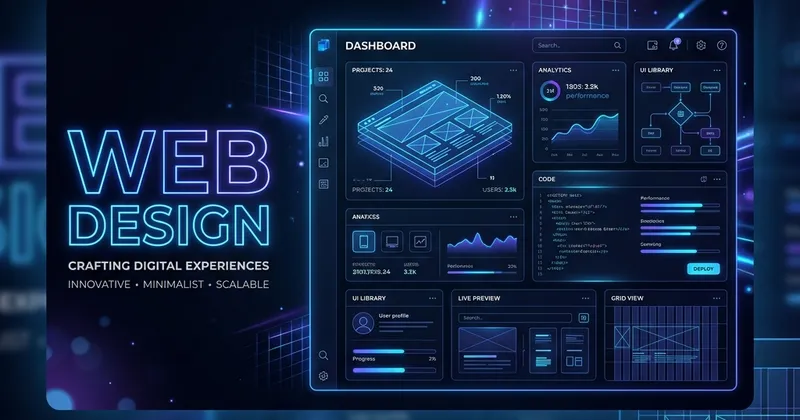
In web design, there is a classic saying: “Less is more.” Minimalist web design is not merely about stripping away elements; it is the art of highlighting what is truly important by removing unnecessary clutter. Done correctly, minimalism creates a premium, high-end user experience that improves readability, speeds up page load times, and drives higher conversions.
Here are the key principles of modern minimalist web design:
1. Leverage Negative Space (Whitespace)
Negative space is the empty space between elements on a page. Many designers make the mistake of trying to fill every pixel of screen real estate.
- Provide Breathing Room: Surround your headlines, images, and buttons with generous padding.
- Direct User Attention: The more empty space surrounding an element (like a call-to-action button), the more the user’s eye is naturally drawn to it.
2. Establish Clear Typographic Hierarchy
When you have fewer graphical elements, typography becomes your primary design tool.
- Choose a Premium Font Pair: Limit your website to two font families (e.g., a modern geometric sans-serif for headings like Outfit and a highly readable body font like Inter).
- Vary Size and Weight: Create a distinct contrast between headings, subheadings, and paragraph text using font-size, line-height, and font-weight (e.g., bold headers vs. regular body copy).
3. Implement a Focused Color Palette
Minimalist sites rarely feature a chaotic rainbow of colors. Instead, they rely on curated, harmonious palettes.
- Select a Core Palette: Use a neutral background color (white, light gray, or a deep slate/dark mode color) and a single primary accent color (like a vibrant indigo or clean teal) to highlight interactive elements.
- Use Contrast: Ensure a high contrast ratio between text and backgrounds for accessibility and clean aesthetics.
4. Simplify Navigation structures
A cluttered navigation bar with 15 links causes choice paralysis.
- Keep it to 5-7 Links: Include only the most essential pages in your main menu.
- Utilize Submenus or Slide-Outs: Move secondary links (like policy pages or terms) to the footer or hide them inside a toggleable hamburger menu.
Minimalism requires discipline, but the result is a website that looks sophisticated, runs exceptionally fast, and delivers an elegant, distraction-free experience for your users.